Run Ubikron on your own servers.
Captures, enrichment results and analyst activity never leave your network.
On the public server, the three of us can technically see your data. We don't look, we're busy. If "technically" bothers you, buy a server.
| SERVICE | STATUS |
| mimic | Up 7 days (healthy) |
| rabbitmq | Up 7 days |
| ubikron | Up 7 days |
| ubikron-elasticsearch | Up 7 days (healthy) |
| ubikron-js-tools | Up 7 days (healthy) |
| ubikron-logstash | Up 7 days |
| ubikron-postgresql | Up 7 days (healthy) |
| ubikron-seaweedfs | Up 7 days (healthy) |
| ubikron-webserver | Up 7 days |
| ubikron-wud | Up 7 days (healthy) |
| zitadel | Up 7 days (healthy) |
Your investigations stay, even when your investigators leave.
Nobody else holds it
No third-party cloud, so nobody else can be subpoenaed for it.
Runs anywhere
A laptop, your network, EC2, Linode, your own metal.
Built for teams
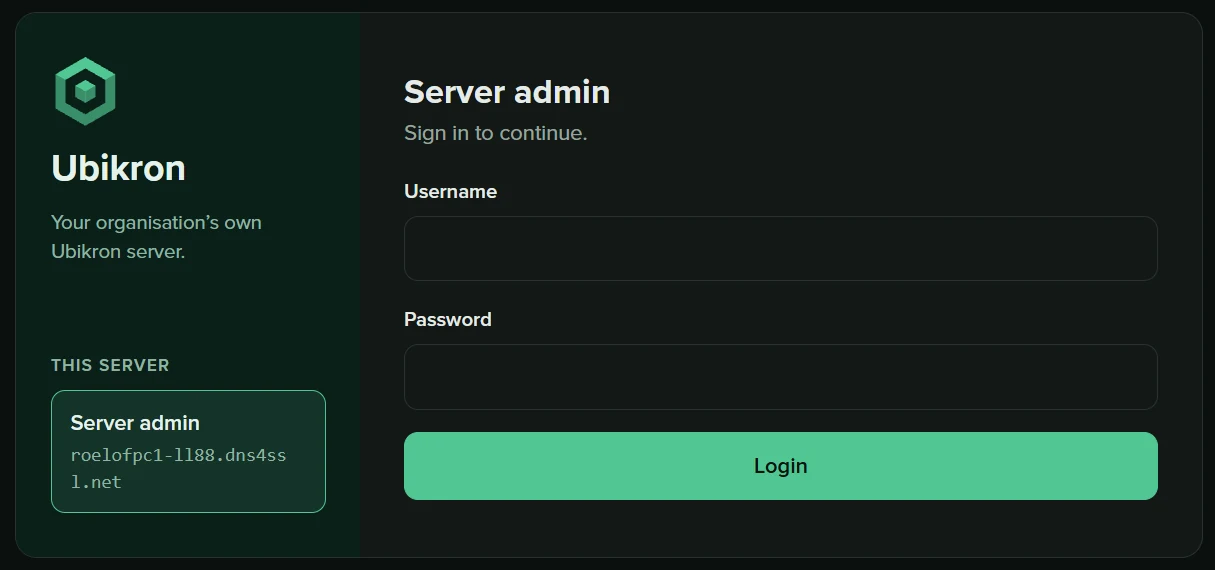
Users, roles and licenses on one admin screen.
Updates on your schedule
It tells you what's new. You apply it when it suits you.
Mimic comes with it.
Every paid server has its own Mimic, so the data your organization holds behind its firewall becomes enrichments your team can use, with limits per person, and none of it leaves your network. How Mimic works
Three ways to install
The installer sets up all eleven containers, in your browser or your terminal. No DevOps team needed.
A fixed price per year, with no metering.
Pick a size, get a key, renew annually. Users are included.
- 1 user: you
- 2 projects
- All capture features
- Up to 5 users
- Unlimited projects
- Mimic included
- Up to 30 users
- Unlimited projects
- Mimic included
The Try server is free for anyone already licensed on our server who wants to see what running their own is like: your license, your machine, one user, two projects. Each size is a user limit: to add more people, move up to a bigger size. If a server's license runs out, everyone can still sign in and get to their data, but nobody can add projects or users until you renew. More than 30 users? Talk to us.
When the extension turns green, you're on your own server.
Your team signs in with your server's address and the accounts you made for them. Forgotten passwords go to your admin, not to us.